How guests and AI assistants find Rabbit Hill Inn
Prepared by Ethan Hawkes · checked 30 October 2026 (about 9:32 pm ET) · PDF copy
What we checked
- Your home page, fetched signed out
- Your robots.txt, sitemap and llms.txt
- The structured data (JSON-LD) that search engines and AI assistants read from your home page
- Every finding below is quoted exactly, with the page it came from and the time it was fetched
What we found on your site
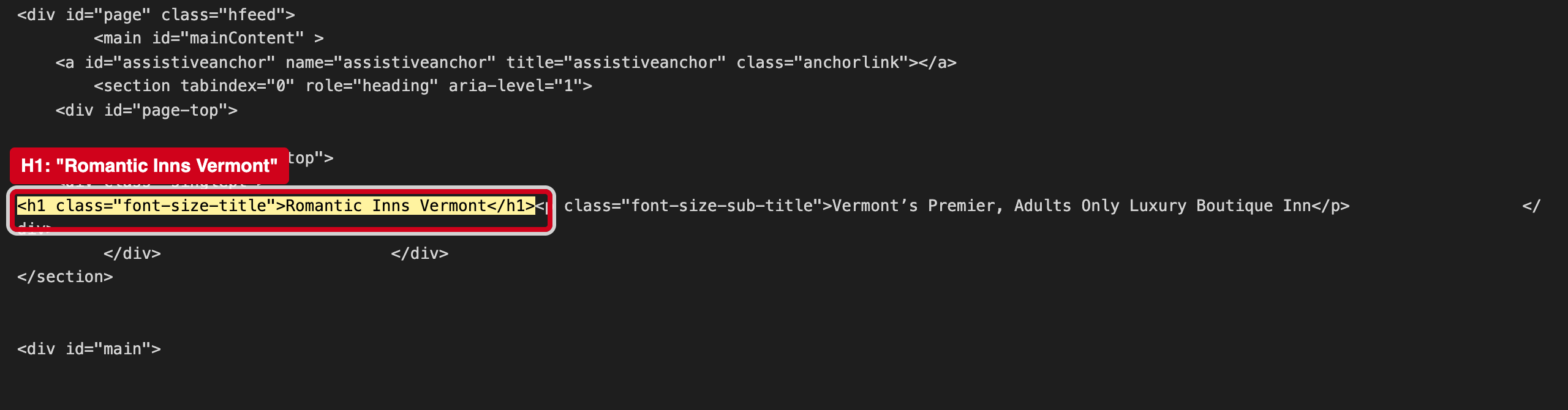
“<h1 class="font-size-title">Romantic Inns Vermont</h1>”
Source: https://www.rabbithillinn.com/, fetched 2026-10-30 21:32 ET
The H1 is what search engines and screen readers take as the page topic. "Romantic Inns Vermont" describes a category; Rabbit Hill Inn and Lower Waterford appear only in smaller text.
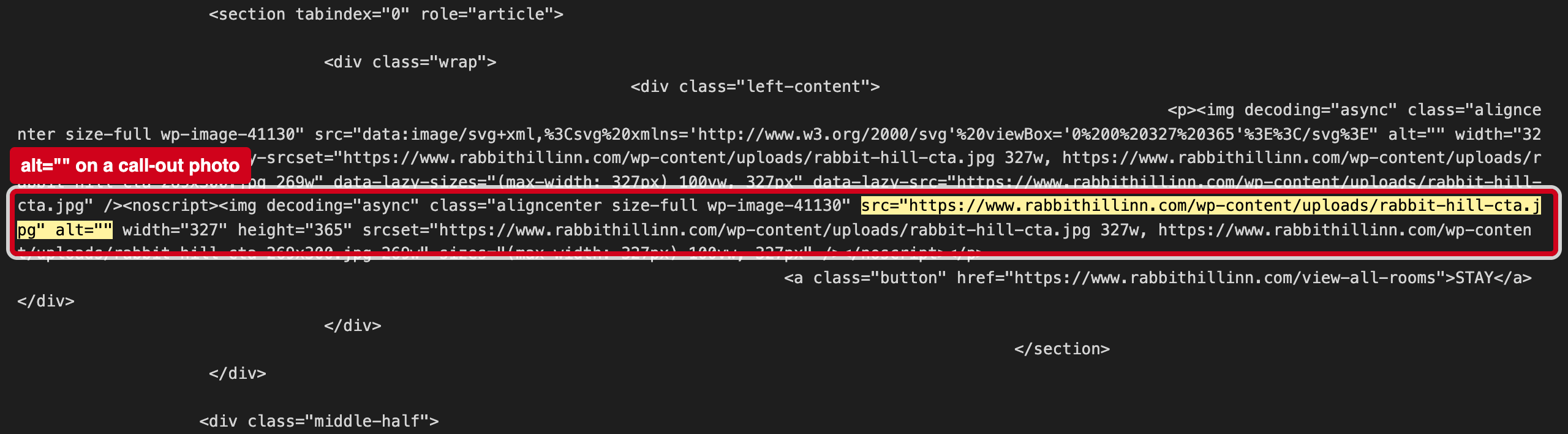
“src="https://www.rabbithillinn.com/wp-content/uploads/rabbit-hill-cta.jpg" alt=""”
Source: https://www.rabbithillinn.com/, fetched 2026-10-30 21:32 ET
An empty alt tells screen readers and image search to skip the picture. The call-out photos (rabbit-hill-cta.jpg, 24-carrot-cta.jpg and others) say nothing to either.
Why it matters
Search engines and AI trip planners read the structured data block and the files at the root of your site to learn your basic facts. When those are missing or disagree with what a guest sees, machines either skip them or repeat the wrong version, and fill the gaps from booking sites instead of from you.
3 fixes, ranked
- Put the name in the H1.Keep "Romantic Inns Vermont" as the subheading; make the H1 "Rabbit Hill Inn, Lower Waterford, Vermont".Web · 10 minutes
- Describe the call-out photos.In the WordPress media library, add a short alt text to each call-out image.Web · 20 minutes
- Test the home page in Google's Rich Results Test.Paste the home page URL into search.google.com/test/rich-results to confirm the hotel block reads the way you want.Web · 15 minutes
If it's useful, I'd welcome 20 minutes to compare notes on how guests are finding independent hotels now. — Ethan Hawkes, Signalry